As an Amazon Associate, we earn from qualifying purchases. Some links on this site are affiliate links at no extra cost to you. Our recommendations are based on thorough research and editorial judgment.

How to Read OBD-II Codes With a $25 Bluetooth Scanner

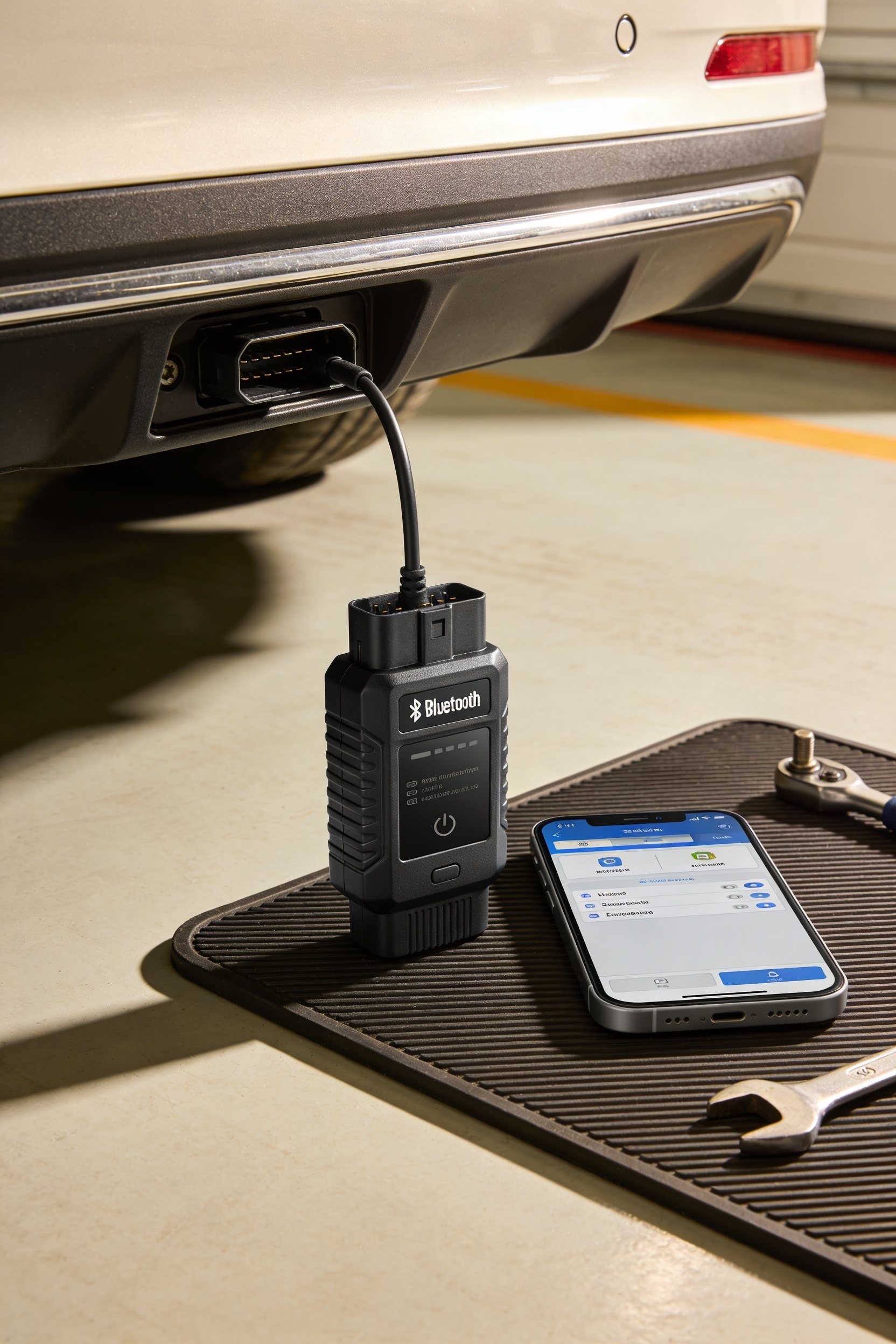
You’ve probably wondered if a cheap Bluetooth scanner actually works—it does. Here’s the deal: plug it into your car’s OBD-II port (usually under the dashboard), turn on your ignition, pair it to your phone via Bluetooth, and open the diagnostic app. Scan for trouble codes in seconds and get plain-language explanations of what’s wrong. The catch? Budget scanners miss some advanced systems, but they’ll nail the basics. Before you ditch it, though, there’s actually a whole troubleshooting process that solves most connection headaches.
Key Takeaways
- Verify your vehicle has an OBD-II port (most 1996+) and confirm phone Bluetooth compatibility before purchasing a budget scanner.
- Plug the scanner into the OBD-II port, enable phone Bluetooth, and pair through the diagnostic app to establish connection.
- Open the app’s “Scan” or “Read Codes” feature to query vehicle trouble codes, typically completed within seconds.
- View code descriptions in the app for plain-language explanations; use live data to narrow down root causes.
- Budget scanners work with standard protocols but have limitations; check firmware updates and app alignment if connection issues occur.
Before You Start: Check Your Vehicle and Phone Compatibility
Before you plug that $25 Bluetooth scanner into your car, you’ll want to make sure your vehicle and phone can actually work with it—otherwise you’re just buying an expensive paperweight. Here’s your compatibility checklist: First, check that your car has an OBD-II port, usually hiding under the dashboard on the driver’s side. Most vehicles from 1996 onward have one, so you’re probably good there. Now, about phone limitations—your phone needs Bluetooth and a compatible app. Some cheap adapters only work with certain operating systems or older Bluetooth versions, so verify app-store reviews before buying. Make sure your scanner has color-coded and labeled wires that match your vehicle’s wiring configuration for a proper installation. Grab your phone’s specs and the scanner’s requirements, compare them, and you’ll know exactly what you’re dealing with before money changes hands.
Pick the Right Scanner and App (Know What You’ll Actually Get)
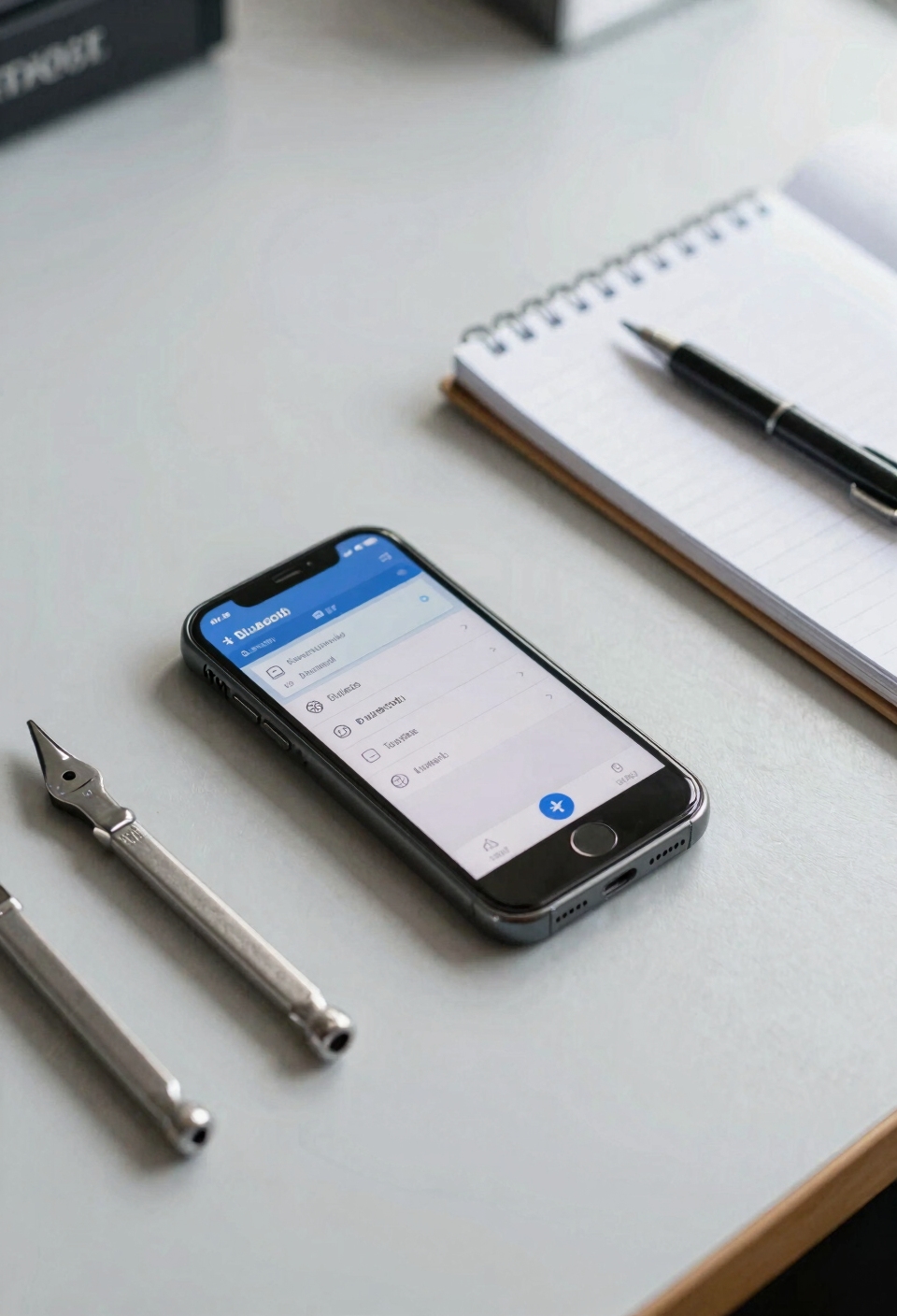
What’s the difference between a $25 scanner that actually works and one that just sits in your glove box collecting dust? It’s all about picking the right combo of hardware quality and app. Not every cheap scanner plays nicely with every phone, so you’ve gotta verify compatibility before buying. I mean, some adapters only work with specific operating systems or Bluetooth versions—total headache if you grab the wrong one.
Now, app security matters too. You’re literally connecting your car’s computer to your phone, so grab an app from a trusted developer with solid reviews. Check the app store ratings and read what people actually say. Look for scanners that support your vehicle’s protocol—that’s the language your car speaks. Just as protective covers prevent accidental contact with exposed connections in car audio systems, security features in your OBD-II app protect your vehicle’s computer from unauthorized access. Do this homework first, and you’ll actually get a scanner worth keeping.
Connect and Pair Your Scanner in 3 Steps
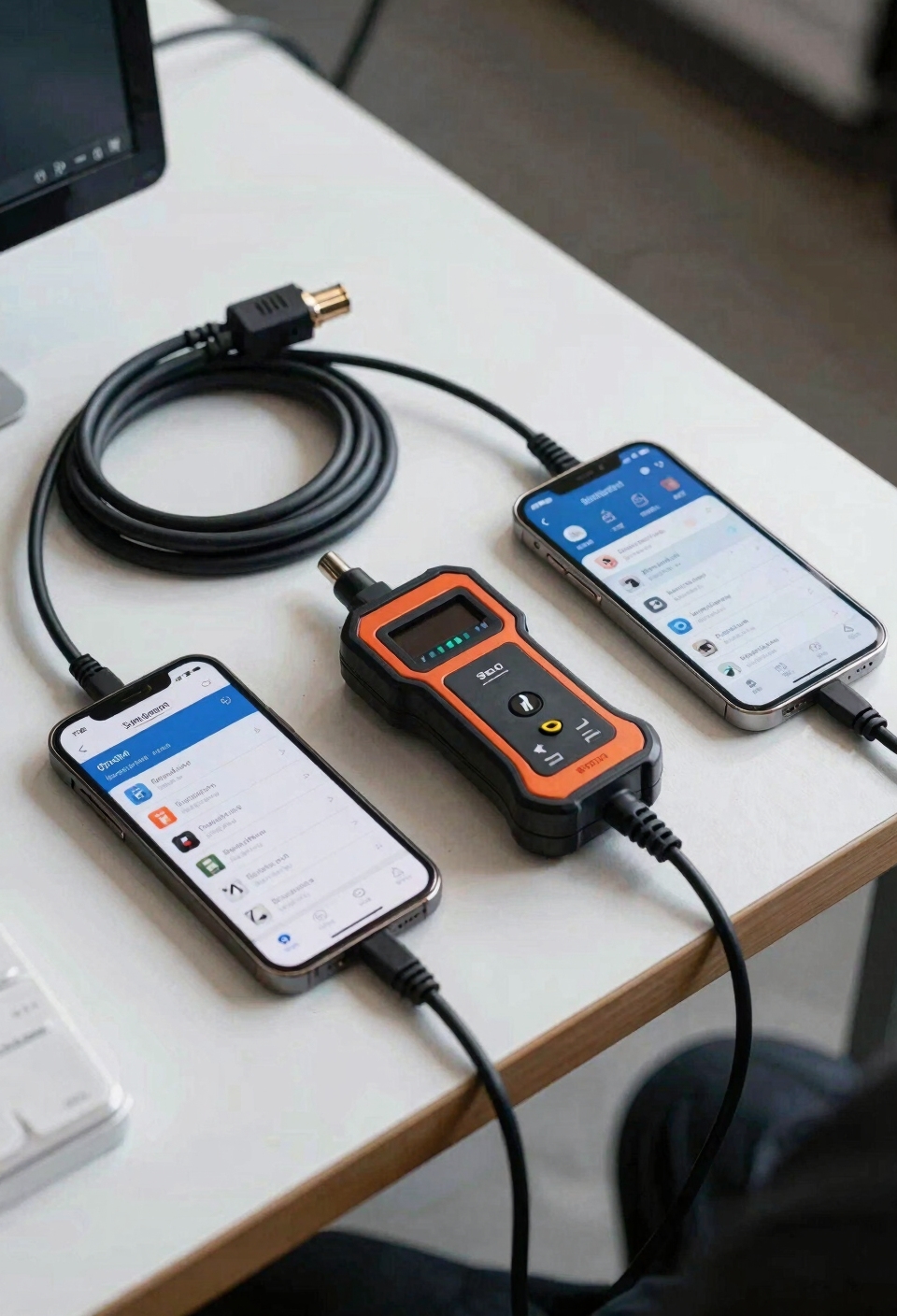
Getting your Bluetooth scanner talking to your car is honestly simpler than you’d think, and I’m going to walk you through it so you actually know what you’re doing instead of just poking around and hoping something happens.
First, plug the scanner into your vehicle’s OBD-II port—it’s usually under the dashboard on the driver’s side. Turn your ignition to ON or start the engine so the adapter gets power. Before pairing, check if your app needs any firmware updates; this takes two minutes and saves you headaches later. Keep your car registration documents accessible in case you need to reference your vehicle’s information while troubleshooting diagnostic issues.
Now enable Bluetooth on your phone and open your diagnostic app. Find your scanner in the available devices list and tap to pair. If nothing connects, rescan for devices, double-check that your ignition’s actually on, and verify your app recognizes the adapter. You’re basically done.
Scan Codes With Your OBD-II Scanner
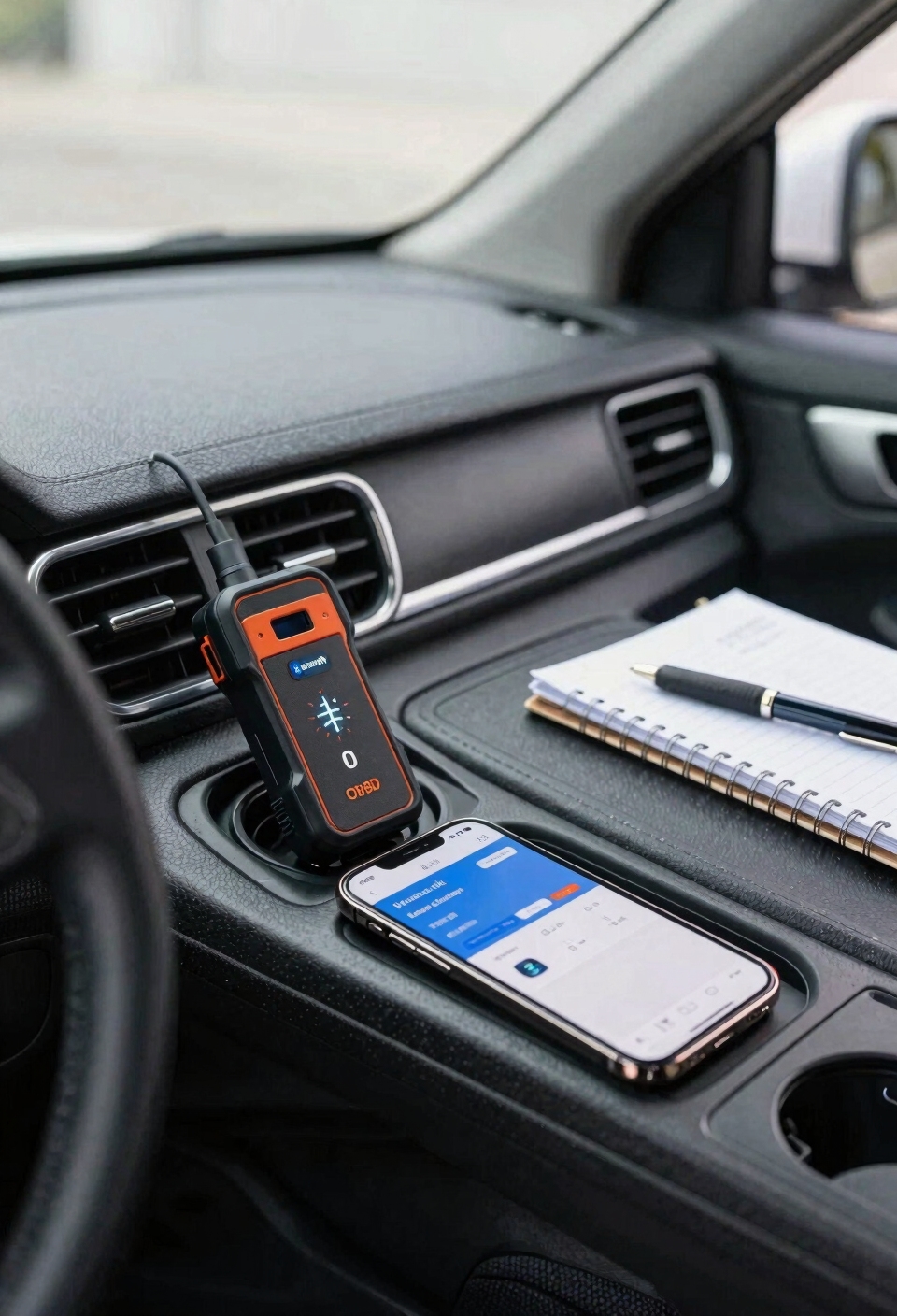
Now that you’ve got your scanner connected, it’s time to actually pull codes from your car—and I promise this part is even easier than the setup. Open your diagnostic app and look for a button that says “Scan” or “Read Codes.” Tap it, and your scanner queries your vehicle’s computer for trouble codes. I mean, that’s literally it—your phone does the heavy lifting.
Here’s the thing: take basic safety precautions like keeping the engine running and staying alert. Most budget scanners work with standard protocols, though some advanced protocols might get blocked depending on your vehicle. The scan usually takes seconds. You’ll see codes pop up with descriptions—some apps explain them in plain language, which is super helpful. That’s your diagnostic goldmine right there.
Understand What Your Codes Actually Mean
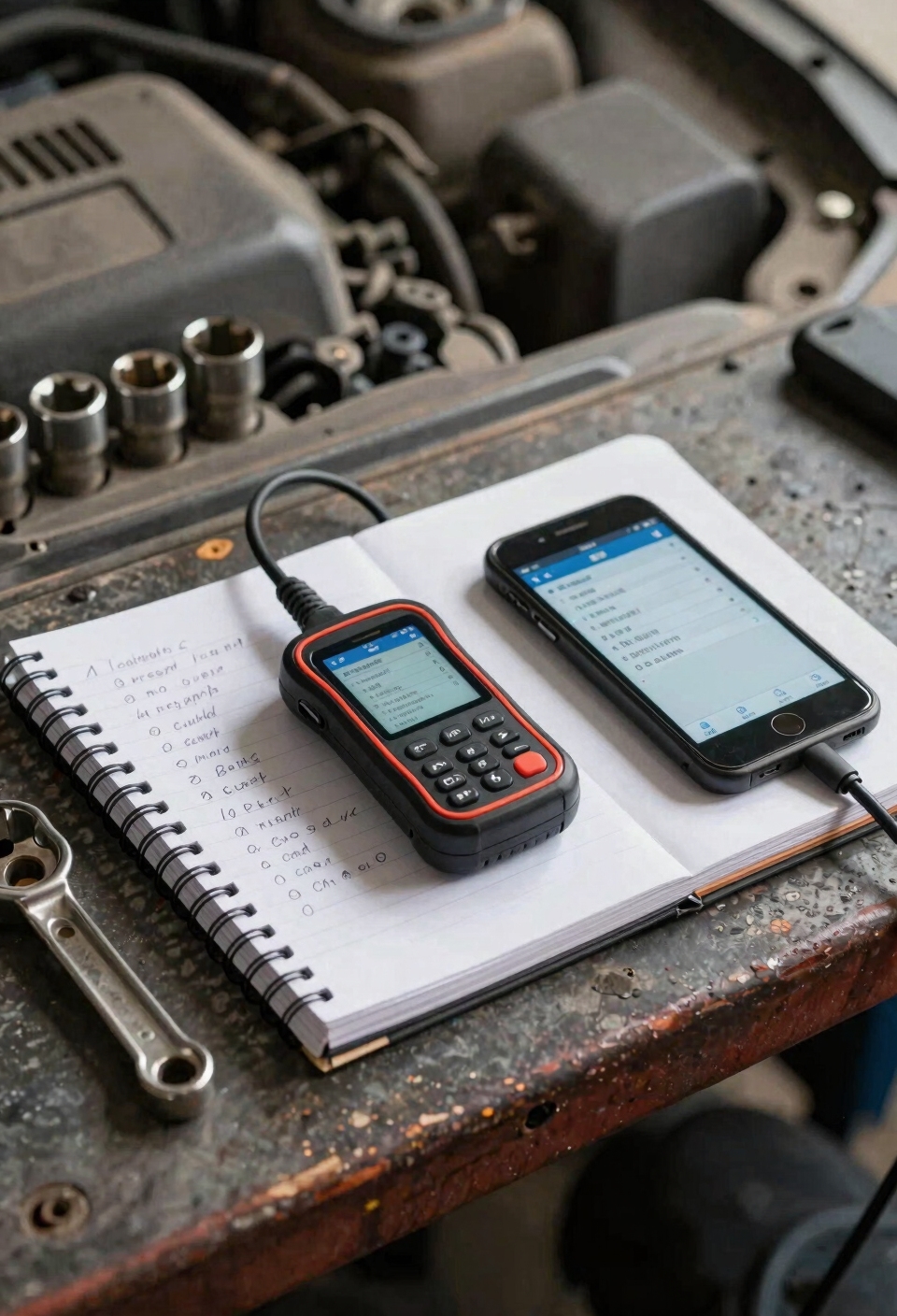
So you’ve got a bunch of codes on your screen, and they probably look like alphabet soup—P0301, P0420, that kind of thing. Here’s the thing: those codes aren’t telling you *exactly* what’s broken. They’re more like clues pointing you toward the problem area. A single code can have multiple probable causes, so you’ve got to think like a detective. That’s where contextual troubleshooting comes in. Check your live data—things like engine temperature, RPM, and oxygen sensor readings—alongside the code. This diagnostic strategy helps you narrow down what’s actually happening. Then you can figure out your repair prioritization. Some codes are urgent; others can wait. That’s how you turn alphabet soup into actionable information. You can also monitor real-time power status with a voltmeter to ensure your scanner and vehicle’s electrical system are functioning properly during diagnostics.
Read Live Engine Data Your Codes Don’t Show
Your $25 scanner can display real-time readings like engine load, fuel trims, and sensor trends. Engine load tells you how hard your engine’s working. Fuel trims show whether your engine’s running too rich or too lean. You’re basically getting a behind-the-scenes view of your engine’s performance.
I mean, this stuff helps you spot patterns—like whether a sensor’s drifting gradually or if something’s genuinely broken. That’s the detective work codes alone can’t do. Proper maintenance and following care instructions extend your scanner’s lifespan and ensure consistent performance over time.
Clear Codes: Without Breaking Your Emissions Test
Once you’ve found and fixed the problem your scanner spotted, you’re probably thinking, “Let me just clear this code and move on.” That makes sense—but here’s where things get tricky.
Here’s the thing: clearing codes immediately post repair might seem smart, but it actually resets your vehicle’s readiness monitors. Those monitors track your emissions system’s health, and if you’re facing an inspection soon, you’ll fail the smoke test readiness check. Basically, your car needs time to run through its own diagnostics after you clear the code.
I’d recommend waiting a few days and driving normally before clearing anything. This keeps your service history clean and prevents legal implications with emissions testing. Your $25 scanner makes fixing problems easy—just don’t rush the cleanup. Additionally, proper surface cleaning and firm pressure will ensure any diagnostic sensors remain securely connected for accurate future readings.
Your Scanner Won’t Show You Everything (and That’s Okay)
Now that you’ve got your codes cleared and you’re ready to move forward, here’s something I want to be straight with you: that $25 Bluetooth scanner sitting in your cup holder? It’s got limited access to your vehicle’s computer systems. I mean, it’ll catch most engine issues, but it won’t dig into every module blindspots—like your transmission computer or ABS system. You might also run into sensor ambiguity, where a code points to a problem but doesn’t tell you exactly which part failed. Intermittent faults can be tricky too; they pop up randomly, so your scanner might miss them entirely. That’s honestly fine though. A cheap scanner handles ninety percent of what you’ll need. Just know its limits before you expect it to be a professional mechanic’s thousand-dollar diagnostic machine. For vehicle safety systems beyond diagnostics, consider investing in quality tie-down equipment and other essential accessories to ensure your vehicle remains secure during transport.
Fix Connection Problems Before You Give Up
If your Bluetooth scanner won’t connect, don’t toss it in the trash just yet—I’ve got you covered with some fixes that’ll probably get you back in business. First, restart your adapter by unplugging it from the OBD-II port, waiting thirty seconds, then plugging it back in. Make sure your ignition’s on so it actually powers up. Now, restart your phone’s Bluetooth too—sometimes that’s all you need. Check if there’s a firmware update available for your scanner; manufacturers release these to fix connection hiccups. If you’re still stuck, rescan for devices and verify you’re selecting the right adapter name. Double-check that your app’s settings match your scanner model. Similar to how voltage compatibility is essential when installing golf cart accessories, ensuring your scanner’s firmware and app settings are properly aligned prevents electrical and software conflicts that could otherwise cause persistent connection issues. These moves solve most connection headaches without any real hassle.
Frequently Asked Questions
Can I Use a $25 Bluetooth Scanner on Vehicles Older Than 1996?
No, I can’t use a $25 Bluetooth scanner on vehicles older than 1996. Those cars don’t have OBD-II ports—they’re pre-1996 protocols. You’d need compatibility adapters designed for older diagnostic systems instead.
Will Clearing Codes Void My Vehicle’s Warranty or Affect Future Repairs?
Clearing codes won’t void your warranty, but I’d recommend documenting repairs in your service records. For instance, if you clear a sensor code without fixing the underlying issue, dealerships might deny claims later if that same fault reappears.
How Often Should I Scan My Vehicle for Codes as Preventive Maintenance?
I’d recommend monthly checks as routine preventive maintenance, with seasonal inspections before winter and summer. Regular scanning helps you catch emerging issues early, preventing costly repairs and ensuring your vehicle runs smoothly year-round.
Can a Cheap OBD-II Scanner Diagnose Transmission or ABS System Problems Accurately?
I’d compare a cheap scanner to a smoke detector—it’ll alert you something’s wrong, but won’t pinpoint the fire. They’ve got limited capability for transmission and ABS codes. I’d use it as a supplemental tool, not your primary diagnostic device.
What’s the Difference Between Pending Codes and Confirmed Diagnostic Trouble Codes?
I’ll explain the key difference: pending codes flag intermittent faults that haven’t fully triggered yet, while confirmed codes indicate recurring problems. Freeze frame data shows conditions when the fault occurred, helping you understand what happened.
Conclusion
You’ve got this. Honestly, reading OBD-II codes with a cheap Bluetooth scanner is like having a mechanic’s brain in your pocket—you get real answers without paying shop rates. You’ll understand your car way better, catch problems early, and feel way less helpless when that check engine light pops up. That’s pretty powerful for twenty-five bucks.