As an Amazon Associate, we earn from qualifying purchases. Some links on this site are affiliate links at no extra cost to you. Our recommendations are based on thorough research and editorial judgment.

MagSafe Car Mount Cleaning: How to Clean the Coil Without Damage

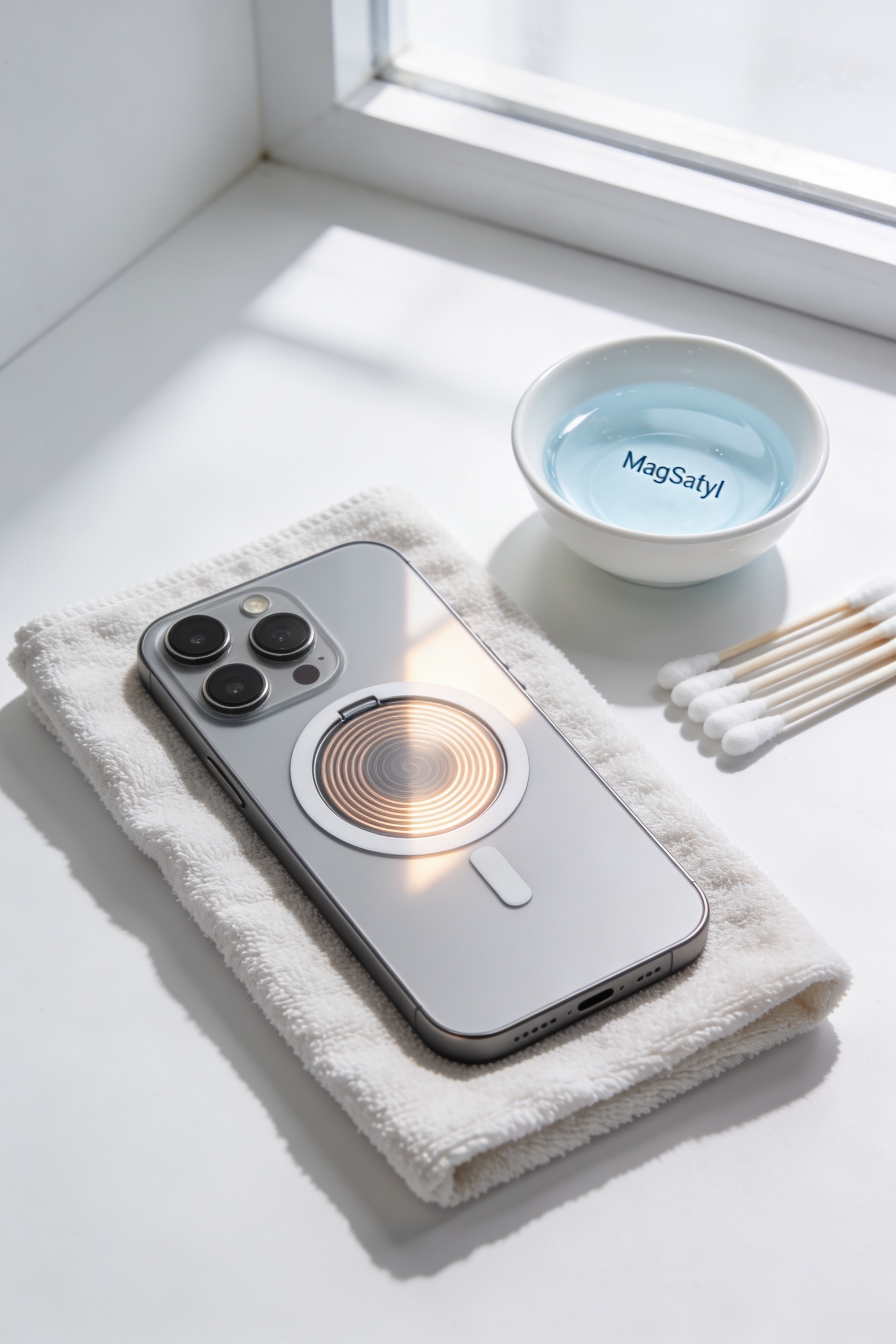
Here’s the thing—dust and oils build up on your MagSafe coil over time, and that’s exactly why your phone starts sliding around. I’d grab a soft microfiber cloth, lightly dampen it with rubbing alcohol, and gently wipe the coil and mount face. The key? Keep liquids away from seams and vents so water doesn’t sneak inside and wreck everything. Dry it completely before you power things back up. Stick with this monthly, and you’ll keep that magnetic grip solid.
Key Takeaways
- Use a barely damp microfiber cloth with rubbing alcohol to clean the coil without pouring liquids directly onto it.
- Avoid water seepage into seams around the coil, as moisture ingress can permanently damage charging hardware and internal components.
- Keep vent clips and moving parts completely dry after cleaning to protect internal springs and weather-sealed protections.
- Ensure the coil is fully dry before powering the mount to prevent electrical damage and charging failures.
- Replace weakened magnets if alignment issues persist after cleaning, as this indicates magnetic degradation rather than dirt buildup.
Why Your MagSafe Coil Needs Cleaning
If you’ve got a MagSafe car mount, you probably think it’s basically maintenance-free—just stick your phone on and go, right? Here’s the thing: I’m sure you’ve noticed your phone sliding around more than it used to, or charging getting weaker. That’s because your coil’s collecting dust, oils, and internal debris that builds up over time. It’s like how your phone screen gets grimy—except this grime actually messes with the magnetic alignment and charging power. Plus, without regular cleaning, you risk magnetic corrosion on the contact points, which seriously tanks your charging speed. Much like how carbon-activated filters improve cabin air quality by blocking dust and contaminants, keeping your MagSafe coil free from debris ensures optimal performance. All right, so the good news? A quick cleaning keeps everything working perfectly. You’re basically protecting your investment and making sure your phone stays put during those sharp turns and sudden stops.
Safe Cleaning Materials for MagSafe Mounts
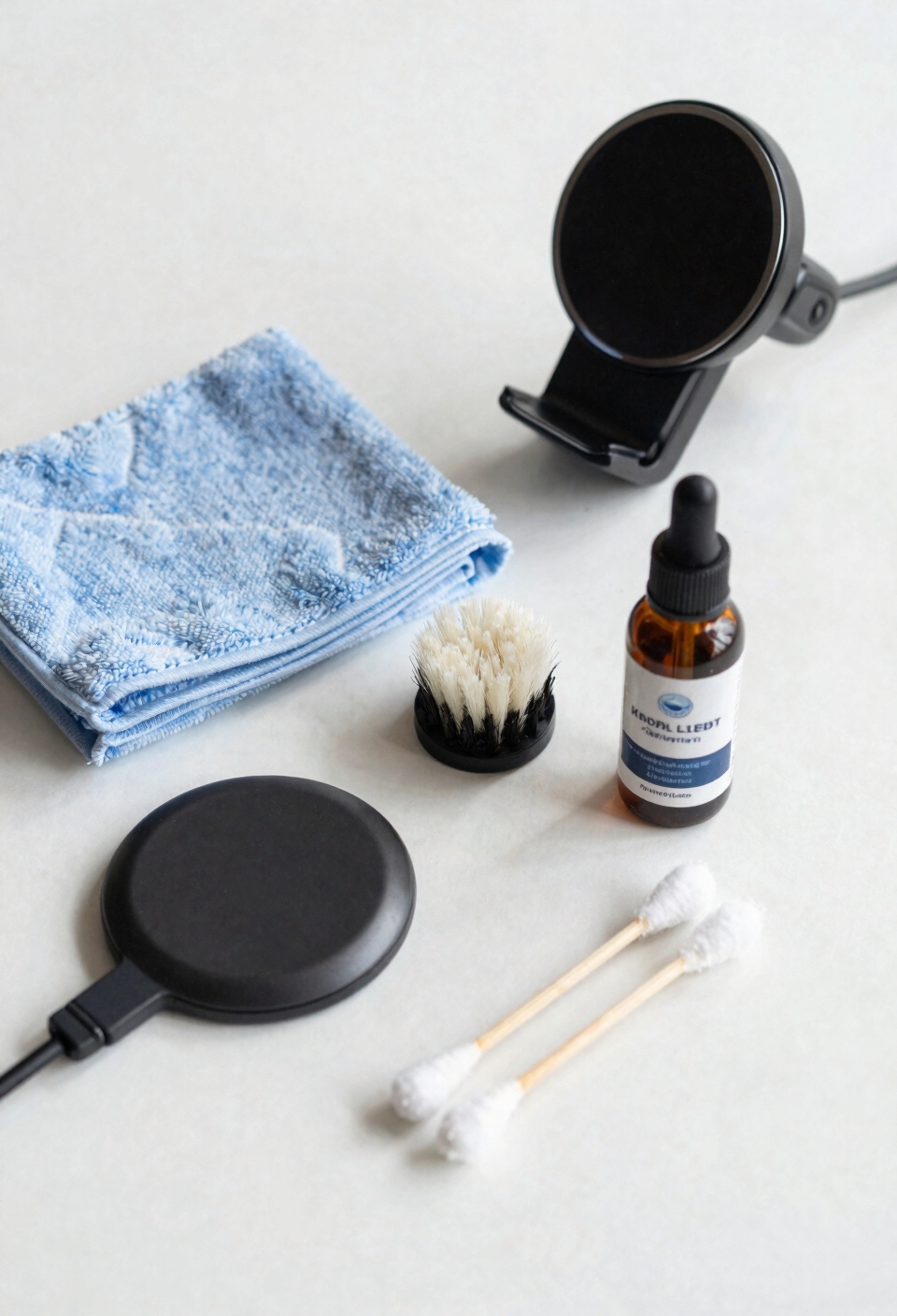
Start with microfiber selection. You’ll want a soft, lint-free microfiber cloth for routine dust removal on both your phone and the mount. I mean, regular paper towels scratch surfaces like crazy. If dust and oils build up over time, grab some rubbing alcohol and lightly dampen your cloth—don’t pour it directly on anything, though. That’s asking for trouble inside the electronics. Premium microfiber towels resist scratching and retain absorbency through multiple cleanings, making them ideal for protecting your mount’s delicate coil surface.
For alcohol alternatives, some quality mounts actually come with pre-packaged cleaning wipes, which honestly makes life easier. Skip the harsh solvents and abrasive pads entirely. Your charging coil will thank you.
How to Clean Your Coil Without Water Damage
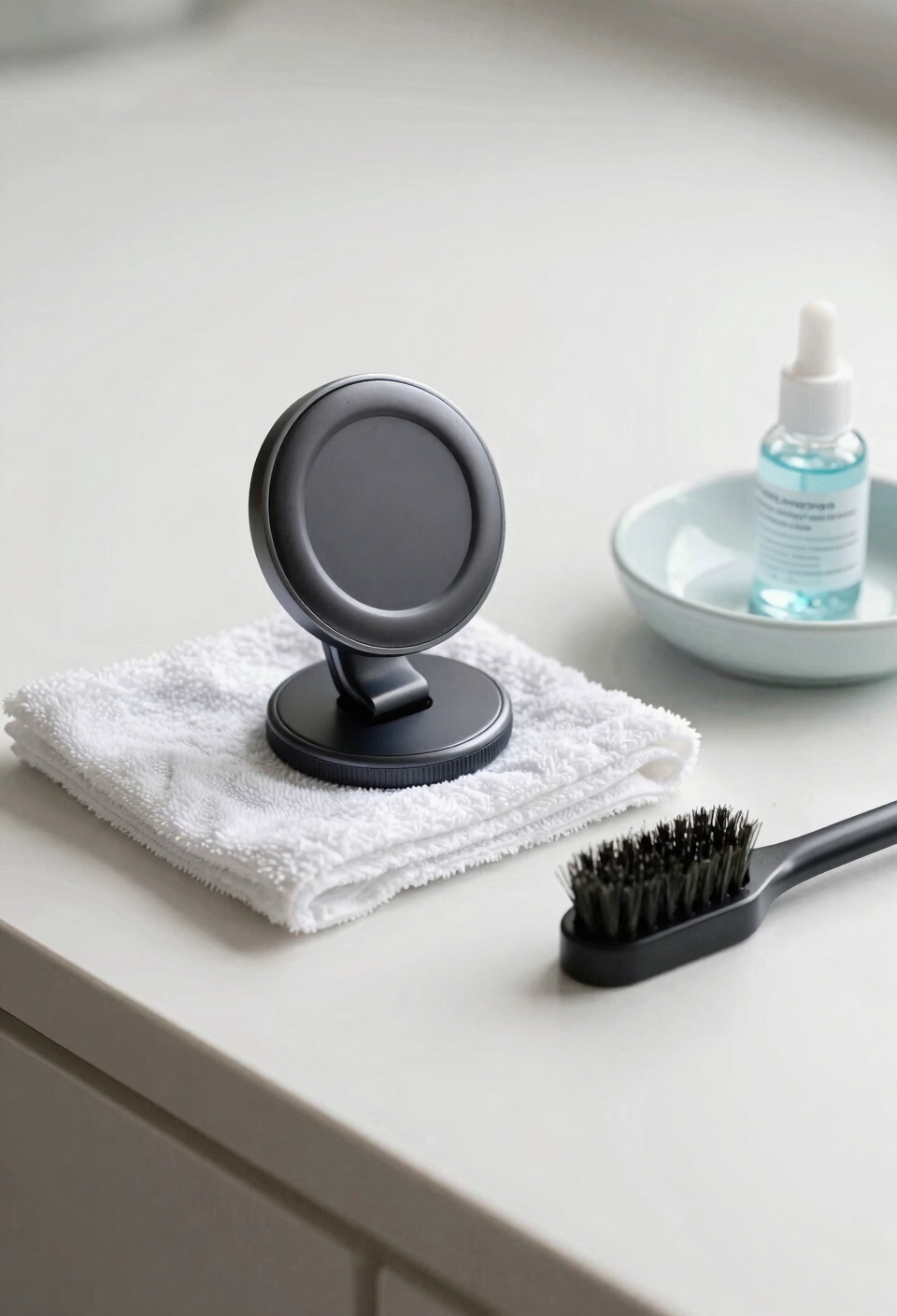
Water and electronics don’t mix—especially when your phone’s charging coil is involved—so keeping moisture away from your MagSafe mount is basically rule number one. I mean, liquid seeping into those internal components can seriously wreck your charging hardware and springs.
Here’s what I do: never pour water directly onto the mount or let it drip into the seams around the coil. When you’re cleaning, use a *slightly* damp microfiber cloth—and I’m talking barely damp—then let everything dry completely before powering it back on.
Now, if your mount has a vent clip or moving parts, keep those totally dry too. Think of those areas as insulating barriers protecting what’s inside. Just like weather-sealed zippers on tactical gear protect sensitive equipment from moisture damage, your mount’s seals work the same way. Honestly, a little preventive care keeps your setup working like it’s brand new.
Charging Drift and Other Signs Something’s Wrong
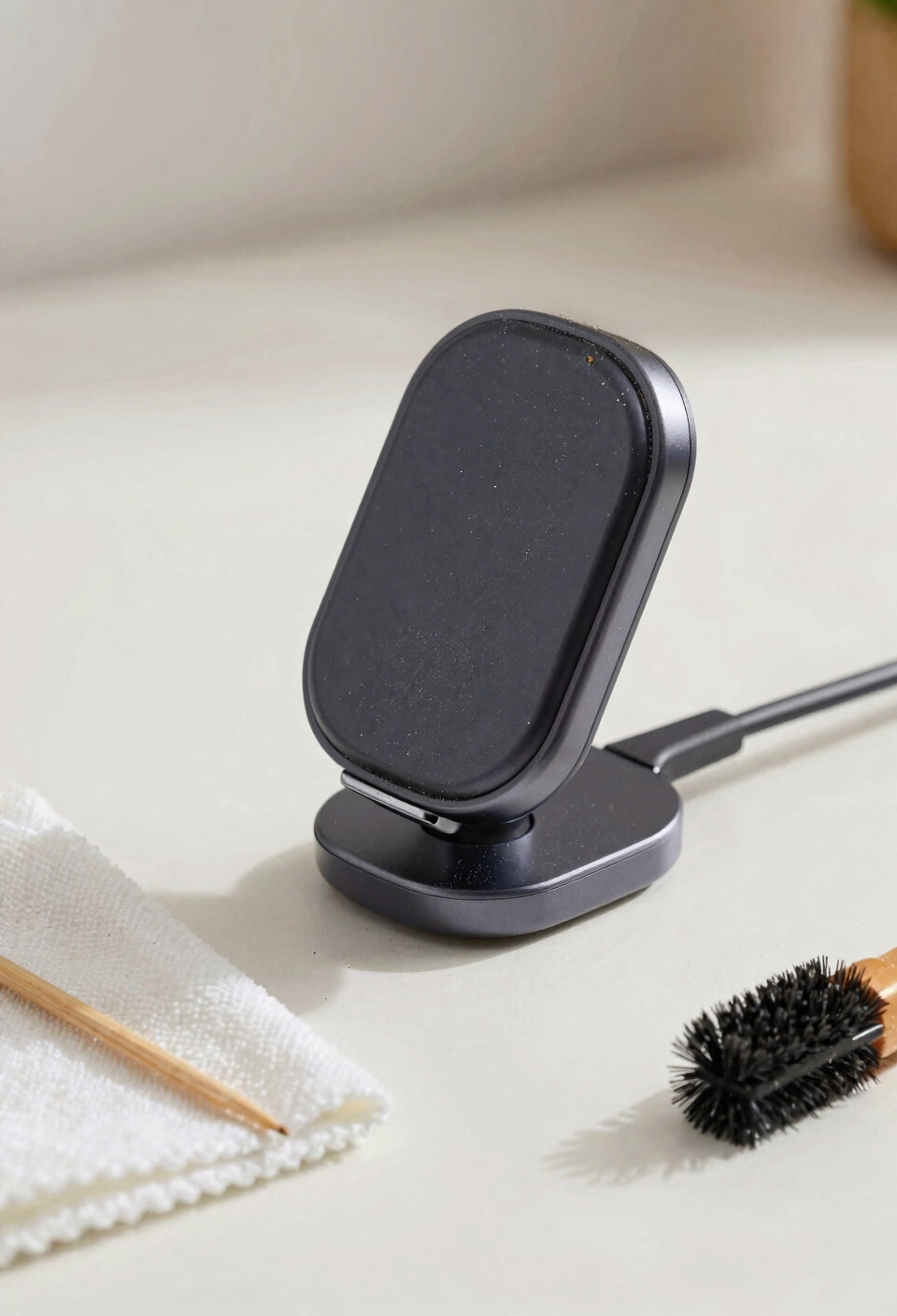
Now, keeping your mount squeaky clean is only half the battle—you also need to know when something’s actually going wrong. I’m sure you’ve noticed your phone sitting crooked on the mount or charging mysteriously stopping mid-drive. That’s charging drift, and it’s your warning signal. When your phone’s loose seating happens regularly, dust or misaligned magnets are usually the culprits. You might also feel the phone sliding during turns or sudden stops, which definitely means it’s time to inspect both your case and the mount face. If charging becomes inconsistent even after cleaning, the magnetic alignment could be off, similar to how power distribution systems require proper terminal alignment to maintain consistent conductivity. Don’t ignore these signs—they’re telling you something needs attention before your phone takes an unexpected tumble.
Fix Magnet Alignment and Loose Seating Issues
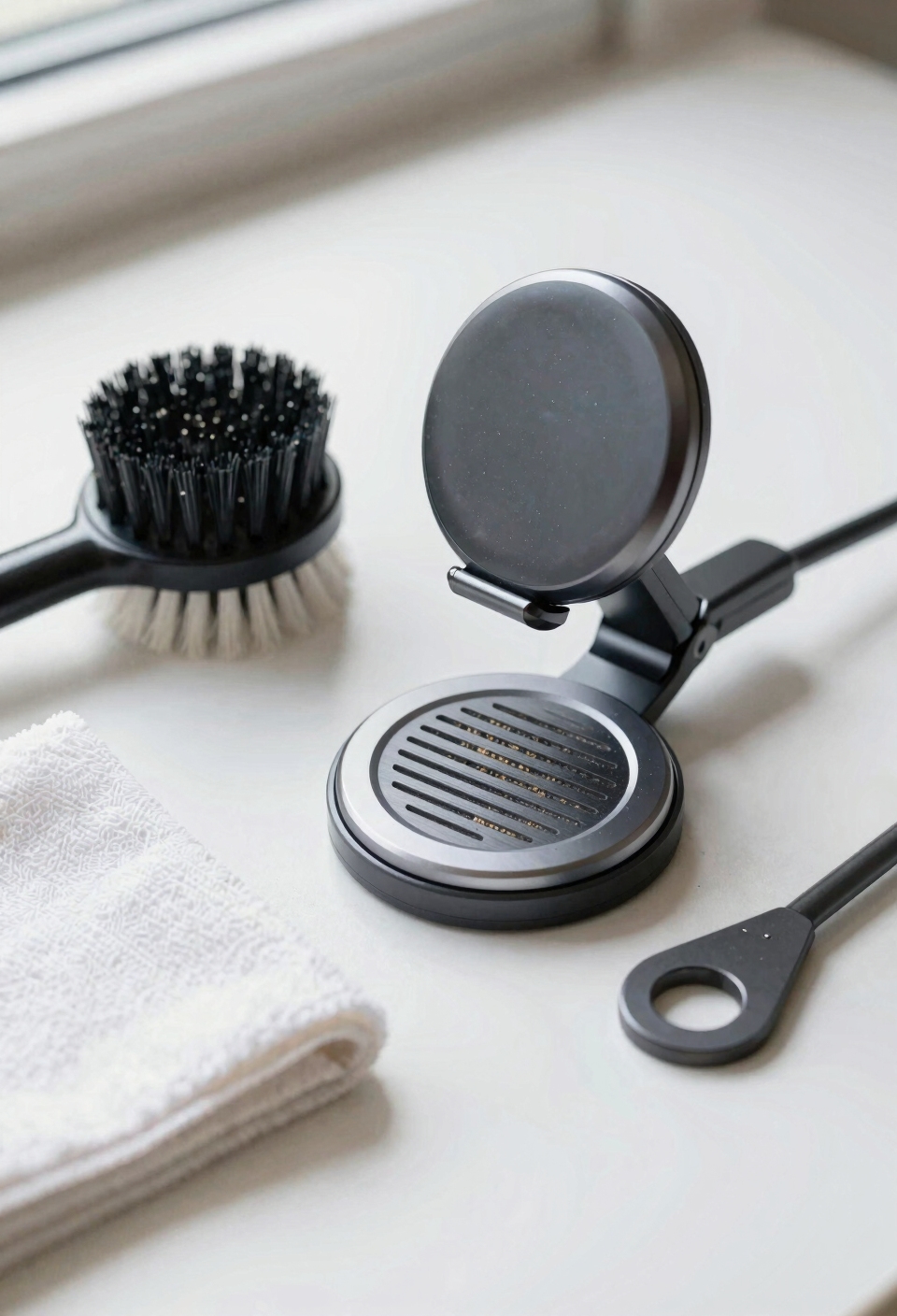
Once you’ve cleaned everything and your phone’s still sitting wonky on the mount, you’re probably dealing with a magnet alignment issue—and that’s actually easier to fix than you’d think.
Here’s the thing: sometimes the magnetic ring just needs magnet recalibration. Try removing your phone and remounting it a few times, pressing down firmly for ten seconds each time. This resets the alignment. If your phone still feels loose or tilted, you might need a seating shim—basically a thin spacer that goes between your mount and phone case to correct the angle.
Check if your mount has adjustment screws you can tighten slightly. Similar to how color-coded and labeled wires simplify proper connections in car radio installations, ensuring your mount’s components are correctly positioned prevents misalignment issues. All right, if nothing works, the magnet itself might be weakened and needs replacing. Don’t force it though—that’s when you know it’s time for a new mount.
Keep Your Mount Clean With This Monthly Routine
Here’s the thing—you’ve probably already figured out that keeping your MagSafe mount clean isn’t just about making it look nice. I’m talking about actually keeping your phone charged and stable. All right, here’s my monthly routine that honestly takes like five minutes. I wipe down the mount face with a dry microfiber cloth to catch dust and oils. If stuff’s still hanging on, I’ll lightly dampen the cloth with rubbing alcohol and give it a gentle clean. I let it dry completely before reattaching anything. Now, seasonal checkups matter too—I inspect the magnet alignment and storage precautions whenever I park for extended breaks. For added protection during extended storage, consider using collapsible organizers to keep your mounting accessories organized and protected from dust accumulation. Honestly, this simple habit keeps your setup running smoothly all year.
When to Replace vs. Repair Your Mount
Eventually, you’ll hit a point where your MagSafe mount isn’t performing the way it used to—your phone wobbles, the charging drifts, or maybe the adhesive pad’s basically given up on life. So what do you do? First, check your warranty. I mean, if you’ve only had it a few months and something’s broken, the manufacturer should cover it. That’s literally what warranties exist for.
Now, if you’re past that window, think about what’s actually wrong. Sometimes a deep clean or new adhesive pads fix everything. But if the magnet’s physically damaged or the charging coil’s dead, replacement makes more sense than repair. When evaluating whether to repair or replace, prioritize high-grade materials and durability as primary selection factors to ensure your next mount lasts longer than your current one. When you do replace vs. recycle, make sure you dispose of the old mount responsibly—electronics shouldn’t just hit the trash.
Frequently Asked Questions
Can I Use Compressed Air to Blow Dust From My Magsafe Mount Coil?
I’d avoid compressed air on your MagSafe mount coil. High-pressure nozzles can force dust deeper into seams and damage delicate components. Instead, I recommend using a soft microfiber cloth for safer, more effective dust removal.
How Often Should I Replace the Adhesive Pad on My Car Mount?
Like a tire losing grip over time, I’d recommend replacing your adhesive pad every 6–12 months depending on use. Consistent adhesive care through monthly cleaning extends its life, but replacement frequency ultimately depends on how often you’re driving and mounting your phone.
Will Cleaning My Mount Affect Its Water Resistance or Weatherproofing?
Proper cleaning won’t hurt your mount’s water resistance if you’re careful. I’d avoid pouring liquid directly into seams—that’s what damages seal integrity and causes corrosion prevention to fail. Gentle microfiber wiping keeps your mount protected.
Can I Clean the Phone’s Charging Coil Separately From the Mount?
I’d advise against it. You’d need to remove the battery and gain internal access to reach your phone’s charging coil safely. That’s risky for most users. Instead, I recommend cleaning your phone’s case back externally with a microfiber cloth.
What’s the Difference Between Qi2 and Magsafe Regarding Cleaning Requirements?
I’ll tell you that both Qi2 and MagSafe share similar cleaning needs since Qi2-enabled mounts use magnetic alignment rings like MagSafe. You’ll find MagSafe maintenance and Qi2 compatibility require identical microfiber cloth and rubbing alcohol approaches for peak charging performance.
Conclusion
Look, your MagSafe mount is like a friendship—you’ve got to put in the work to keep it healthy. I mean, a few minutes of monthly cleaning and careful handling is basically all it takes. Think of maintenance as building a shield against frustration: the more you invest now, the longer your mount stays reliable and your phone stays perfectly positioned. You’ve got this.